




About Viora AI Translation Earbuds
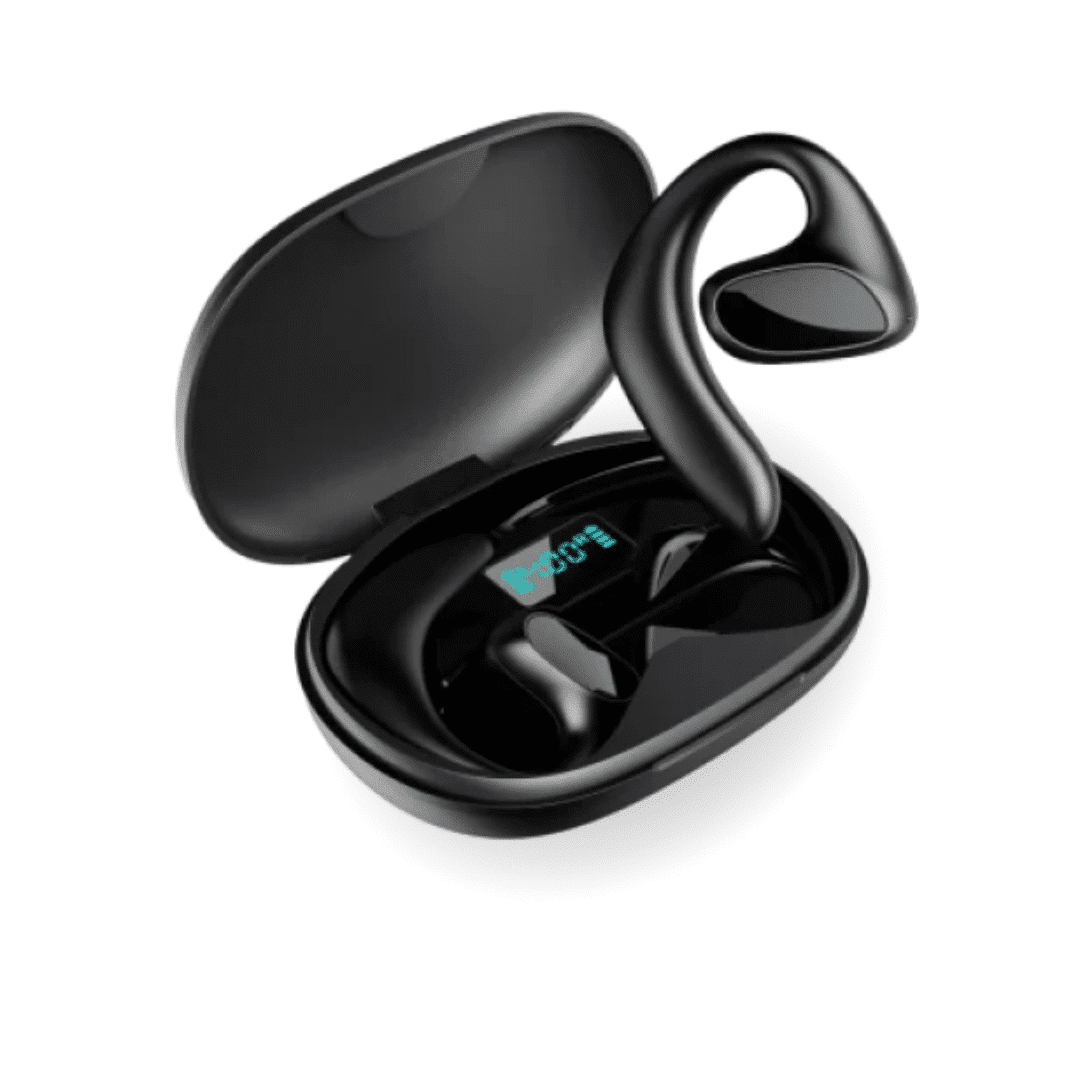
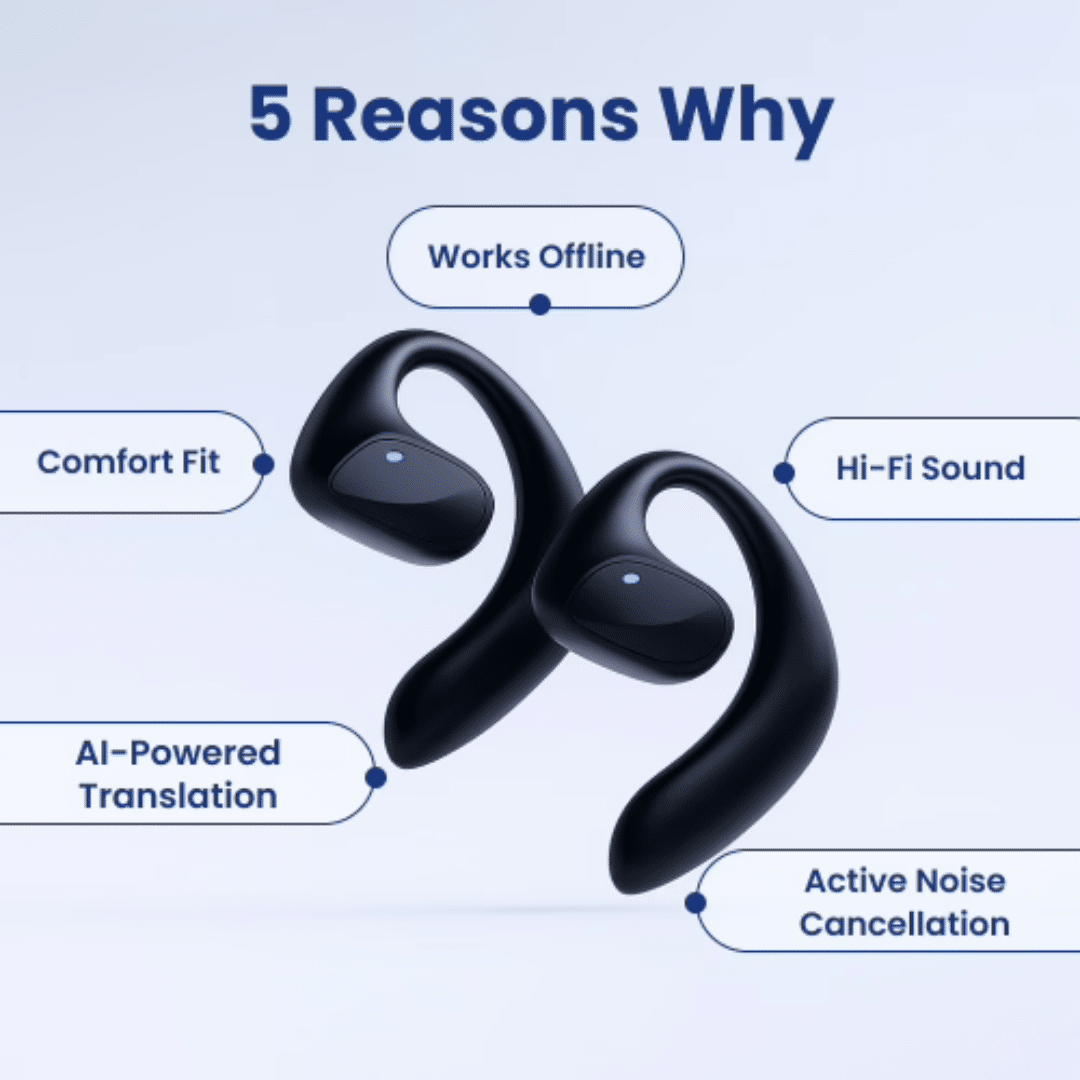
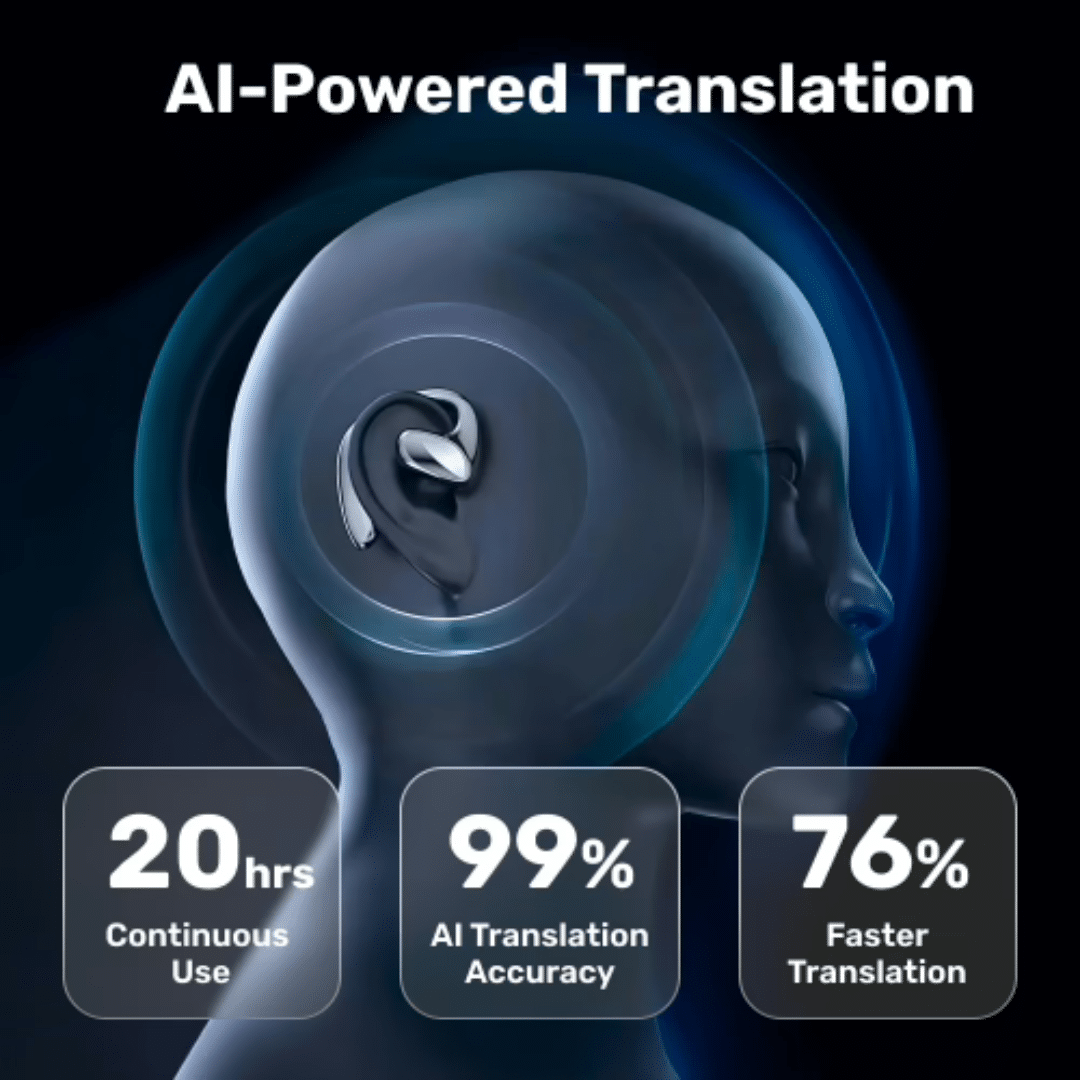
Viora AI Translation Earbuds are revolutionary wireless earbuds that break down language barriers by providing real-time translation for 144+ languages. Powered by advanced artificial intelligence trained on millions of real-world conversations, these earbuds transform how you communicate with people around the world. Whether you’re traveling internationally, working in a multilingual environment, or connecting with friends and family who speak different languages, Viora earbuds deliver instant, accurate translations directly to your ears.
Unlike traditional translation devices that require awkward pauses or handheld gadgets, Viora AI Translation Earbuds offer a seamless, hands-free experience. With their sleek design and intuitive functionality, they’re the perfect companion for global travelers, international business professionals, language learners, and anyone looking to connect across cultures.
How Does Viora AI Translation Earbuds Work?
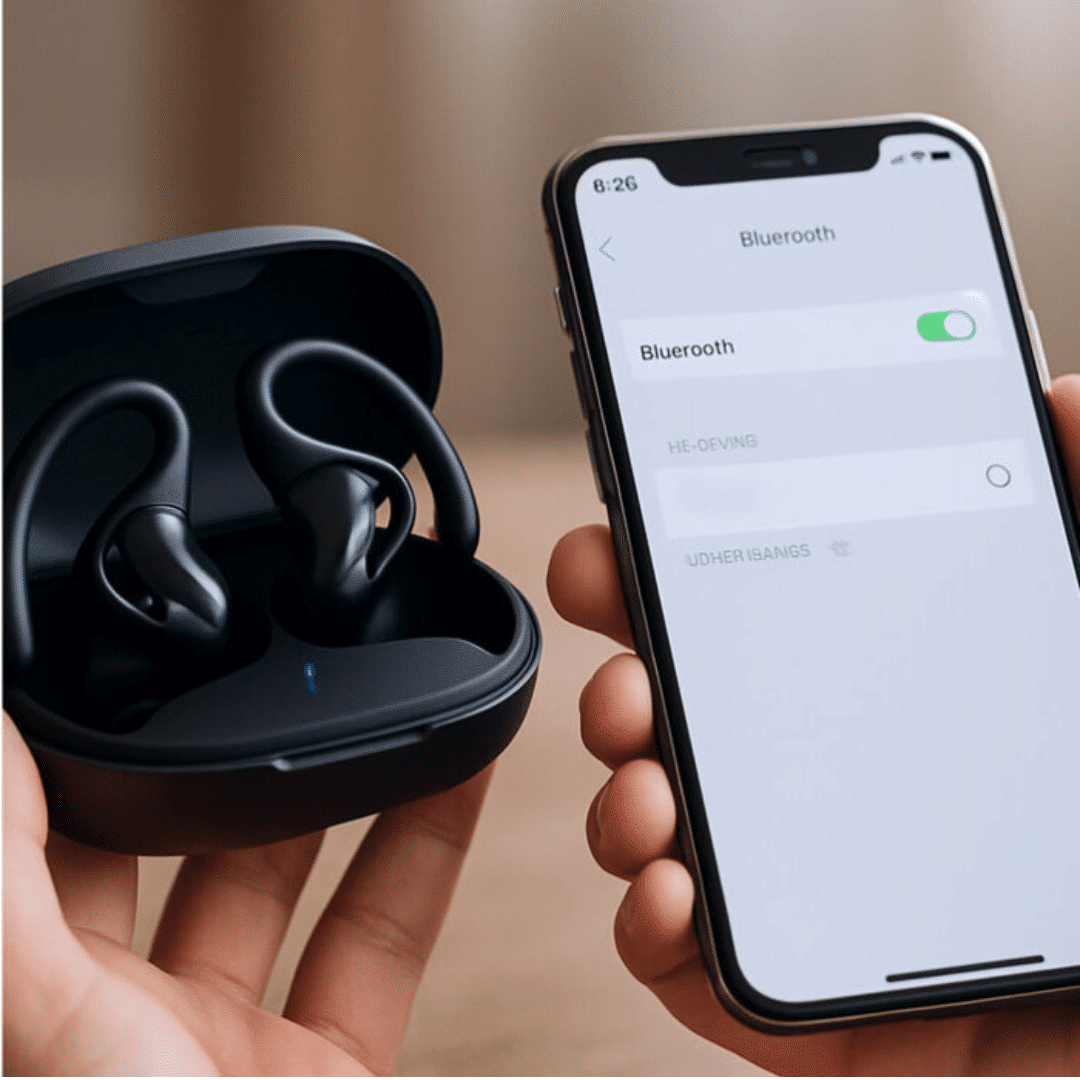
Getting started with Viora AI Translation Earbuds is remarkably simple. Just connect the earbuds to your smartphone via Bluetooth and open the free lifetime app—no subscription fees, no QR codes, just instant access.
Once connected, you’re ready to start conversations in any of the 144+ supported languages, from widely spoken languages like English, Mandarin Chinese, Spanish, and Arabic to regional dialects and less common languages.
During a conversation, the earbuds capture speech through their built-in microphones and process it through sophisticated AI translation technology. The system translates the audio in real-time and delivers it directly to your ear within seconds.
For added convenience, translations also appear as text on your smartphone screen, and the earbuds can even generate summaries of longer speeches or presentations.
Viora earbuds offer three flexible operating modes to suit different situations:
- Touch Mode: Control translations with simple touch gestures
- Speaker Mode: Play translations aloud for group conversations
- Earbud Mode: Private listening for one-on-one conversations
Benefits of Using Viora AI Translation Earbuds
Communicate Anywhere, Anytime: Travel with confidence knowing you can understand and be understood in 144+ languages across every continent. Navigate foreign cities, order at restaurants, ask for directions, and immerse yourself in local cultures without language anxiety.
No Hidden Costs or Subscriptions: Enjoy lifetime access to the translation app completely free—no monthly fees, no premium tiers, no surprise charges. Your one-time purchase includes everything you need for unlimited translations.
Seamless Multilingual Collaboration: Transform your workplace into a truly global environment where language is no longer a barrier. Communicate effortlessly with international colleagues, clients, and partners in their native languages, fostering better relationships and understanding.
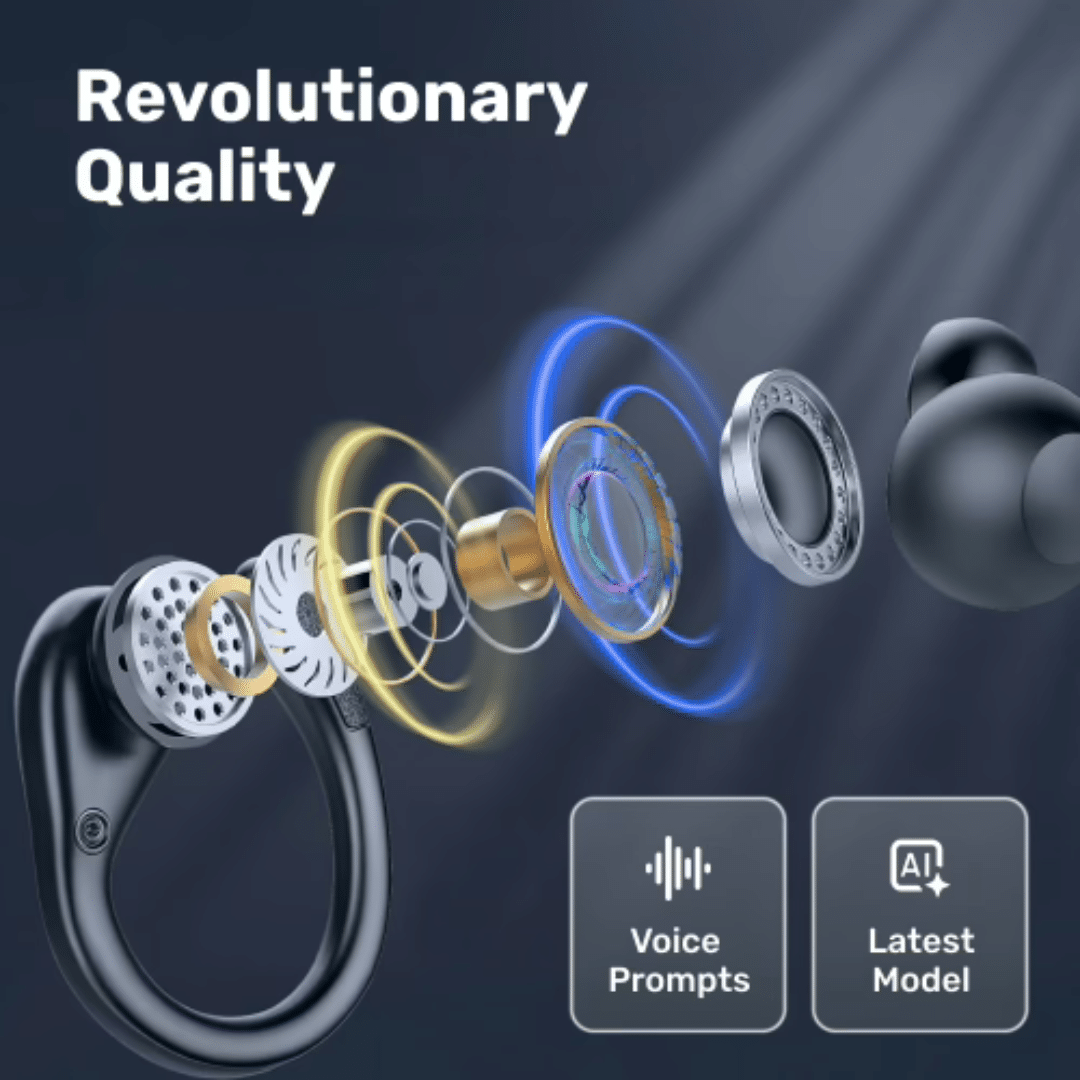
AI-Powered Accuracy: Benefit from translation technology trained on real-world conversations, ensuring natural-sounding, contextually appropriate translations rather than robotic word-for-word conversions. The AI understands nuances, idioms, and conversational flow for more authentic communication.
Multiple Use Scenarios: Whether you’re getting your nails done at a salon where your technician speaks a different language, catching up with multilingual family members, attending international conferences, or making new friends while traveling, Viora earbuds adapt to your needs.
Dual Audio and Text Output: Never miss a word with simultaneous audio in your ear and text translations on your screen. Review what was said, share translations with others, or keep a record of important conversations.
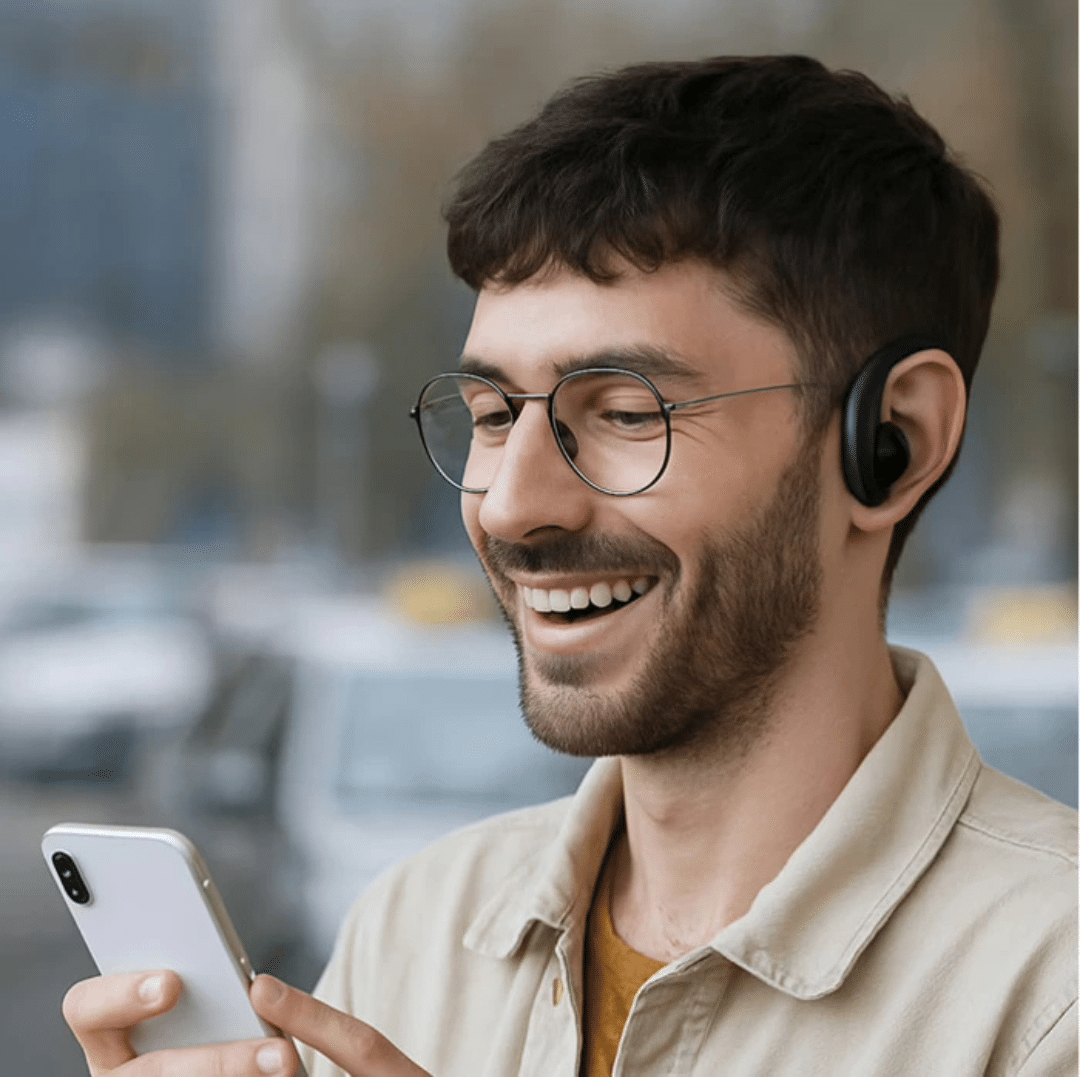
Hands-Free Convenience: Unlike bulky translation devices or constantly pulling out your phone, Viora earbuds let you maintain natural eye contact and body language during conversations. Simply wear them like regular earbuds and communicate naturally.
How to Use Viora AI Translation Earbuds
Getting started with your Viora AI Translation Earbuds is quick and easy. Follow these simple steps:
Initial Setup
- Remove the earbuds from the charging case and ensure they’re fully charged
- Enable Bluetooth on your smartphone (iOS or Android compatible)
- Pair the Viora earbuds with your device—they’ll appear in your Bluetooth settings
- Download the free translation app from the App Store or Google Play
- Open the app and grant necessary permissions for microphone access
Starting a Conversation
- Select your native language and the language you want to translate to/from in the app
- Choose your preferred operating mode: Touch Mode, Speaker Mode, or Earbud Mode
- Place the earbuds in your ears (or use Speaker Mode for group conversations)
- Begin speaking naturally—the AI will automatically detect and translate speech in real-time
- Listen to the translation in your earbuds while viewing the text on your screen
During Use
- Use touch controls on the earbuds to pause, play, or switch languages quickly
- Adjust volume directly from the earbuds or your smartphone
- Switch between languages instantly if conversing with multiple people
- Review translation history and summaries within the app
After Use
- Return earbuds to the charging case to preserve battery life
- Clean earbuds gently with a soft, dry cloth as needed
- Keep the app updated for the latest language improvements and features
FAQs
How many languages do Viora AI Translation Earbuds support?
Viora earbuds support 144+ languages, including major global languages like English, Mandarin Chinese, Spanish, French, German, Arabic, Hindi, Japanese, Korean, and Portuguese, as well as numerous regional dialects and less commonly spoken languages.
Is there a monthly subscription fee?
No! Viora AI Translation Earbuds come with lifetime free access to the translation app with no subscription fees, no hidden costs, and no premium tiers. Your one-time purchase includes everything you need for unlimited translations.
How accurate are the translations?
The translations are powered by advanced AI technology trained on millions of real-world conversations, ensuring contextually appropriate and natural-sounding results. The AI understands conversational nuances, idioms, and context rather than just literal word-for-word translation.
Do I need an internet connection to use the earbuds?
Yes, an active internet connection is required for the real-time AI translation to function, as the processing happens through cloud-based AI servers that ensure the most accurate and up-to-date translations.
Can I use these earbuds for regular music listening?
Yes! When not using the translation feature, Viora AI Translation Earbuds function as high-quality wireless Bluetooth earbuds for listening to music, podcasts, taking phone calls, and other audio activities.
How long does the battery last?
Battery life varies depending on usage, but the earbuds provide several hours of continuous translation or audio playback on a single charge. The included charging case provides additional charges for all-day use.
Can multiple people use the same earbuds for different language pairs?
Absolutely! You can instantly switch between different language pairs within the app, making the earbuds perfect for multilingual environments or when traveling through countries with different languages.
What’s the difference between the three operating modes?
- Touch Mode: Allows you to control translation functions with simple touch gestures on the earbuds
- Speaker Mode: Plays translations aloud through your phone’s speaker for group conversations or when you want others to hear
- Earbud Mode: Delivers translations privately to your ears for one-on-one conversations
Are the translations displayed as text as well as audio?
Yes! Translations are delivered both as audio in your earbuds and as text on your smartphone screen simultaneously. You can also access summaries of longer speeches or conversations.
What devices are compatible with Viora AI Translation Earbuds?
Viora earbuds are compatible with both iOS and Android smartphones and tablets that support Bluetooth connectivity. Simply download the free app from the App Store or Google Play.
746 reviews for Viora AI Translation Earbuds (Upgraded Version 2026) – Official Retailer